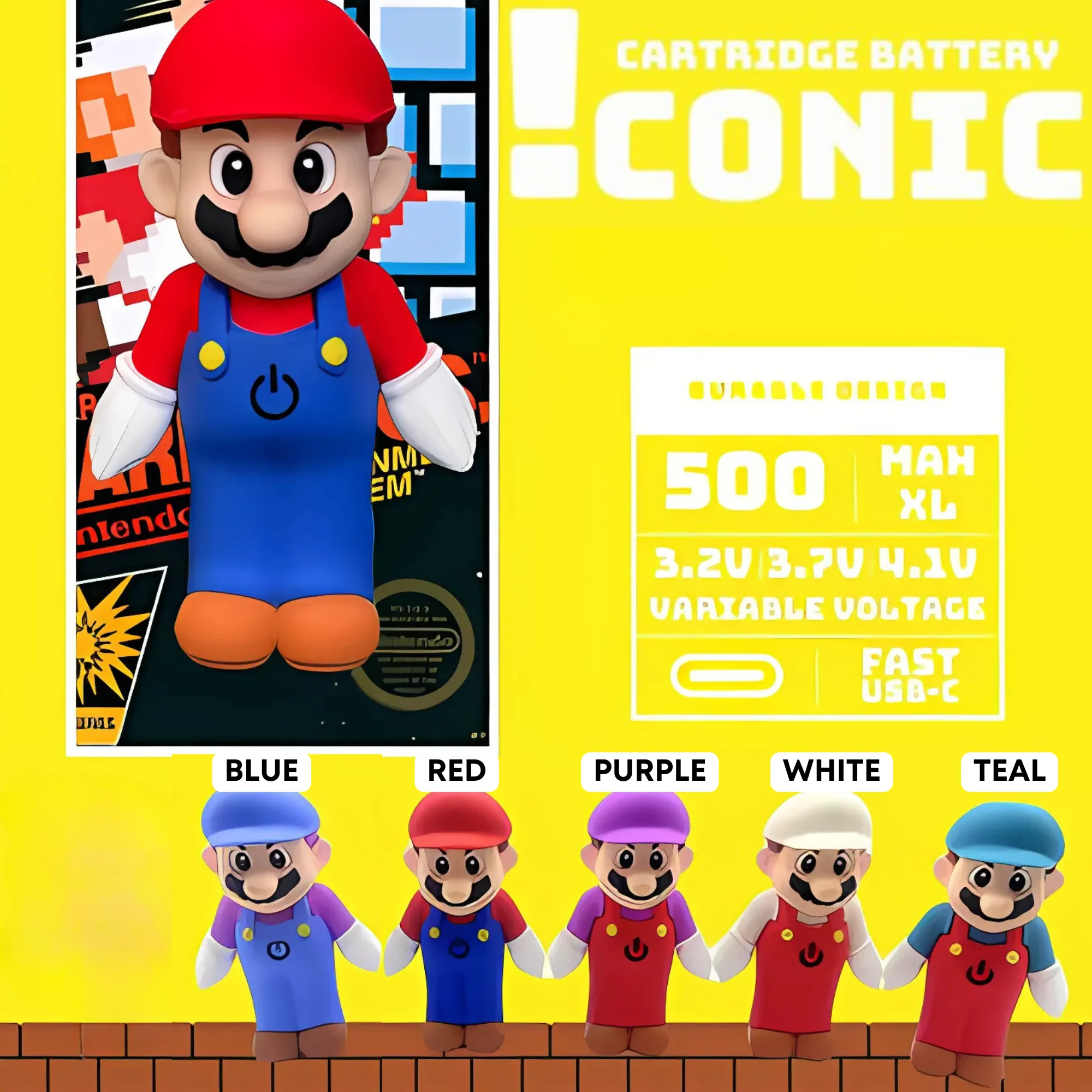
Iconic Plumber Man Character
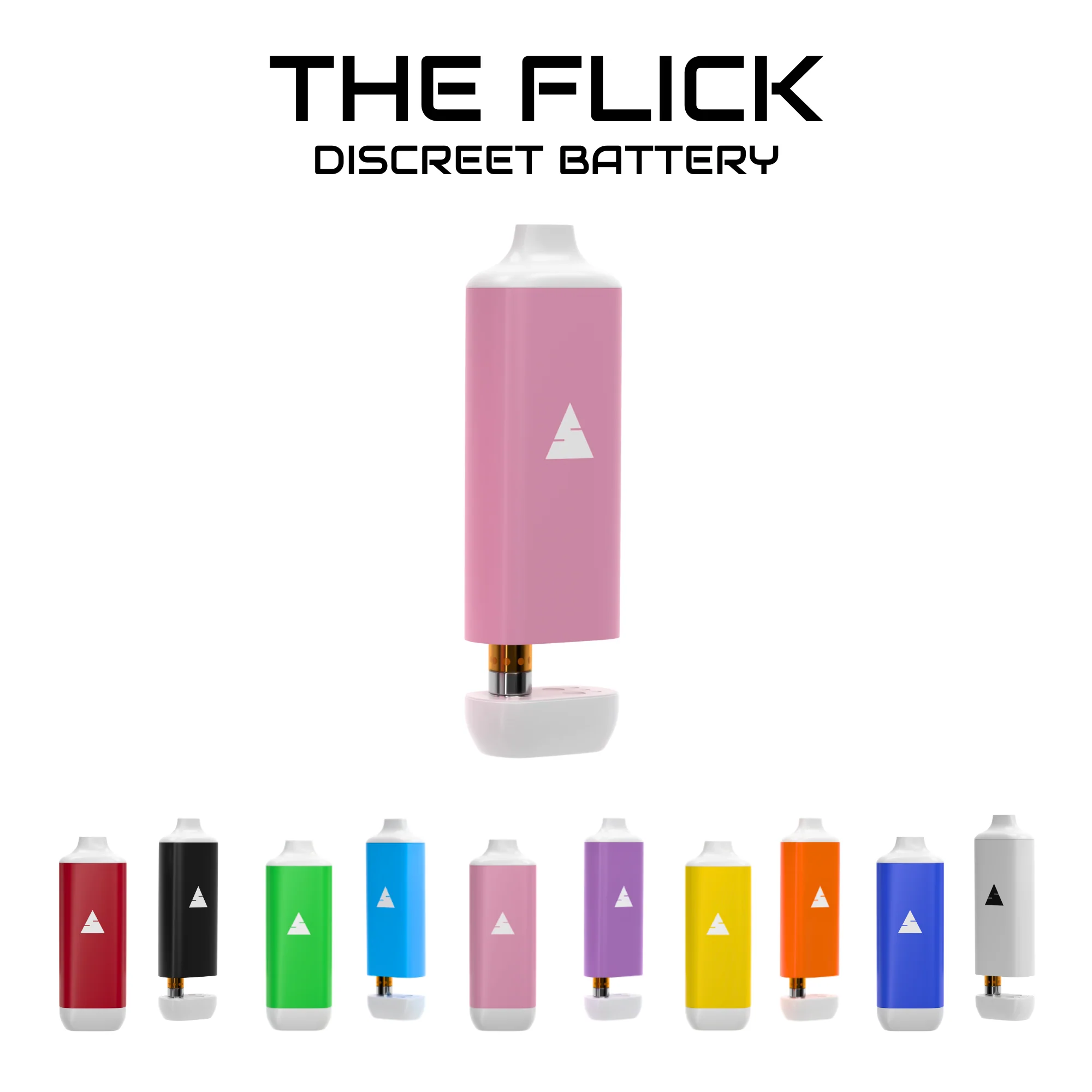
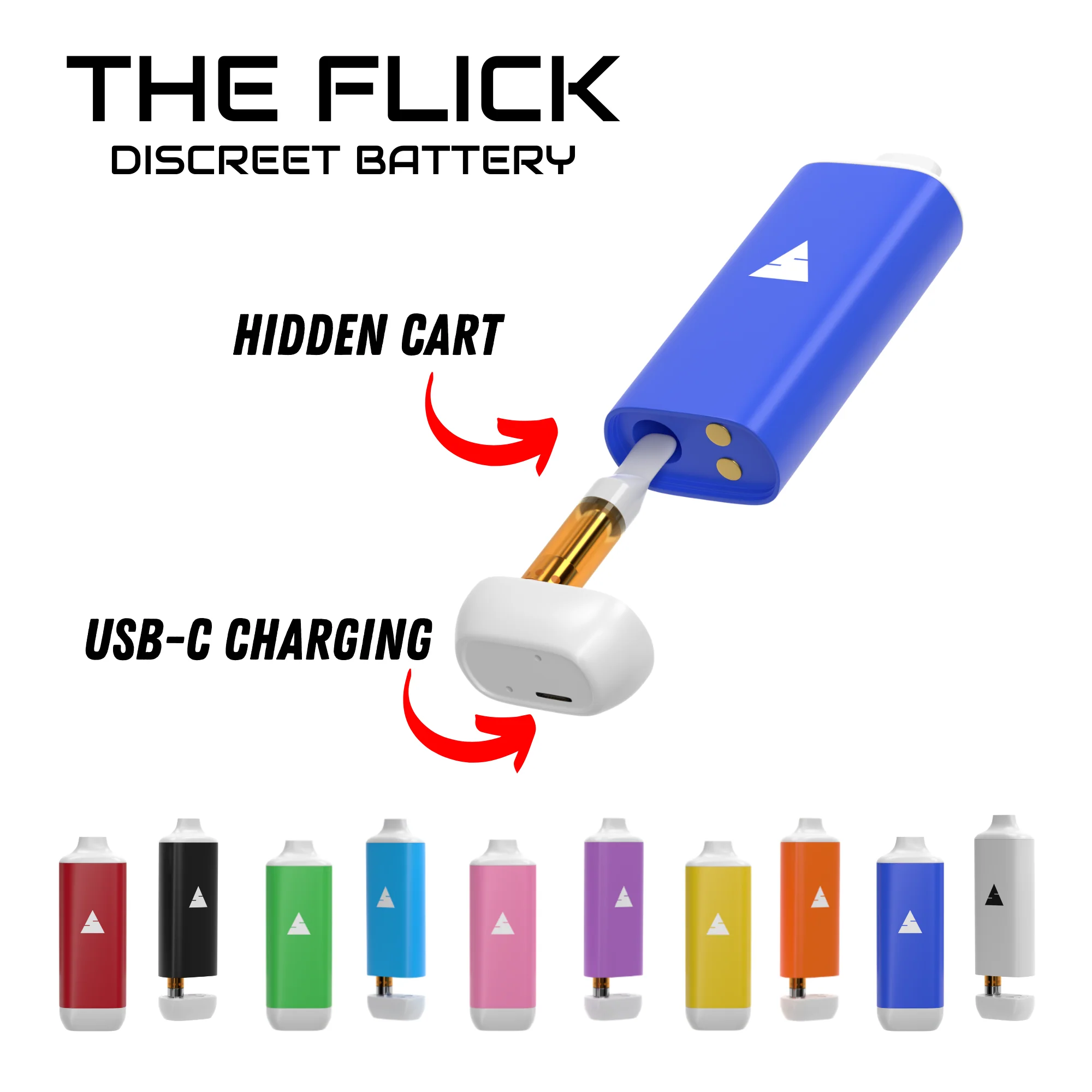
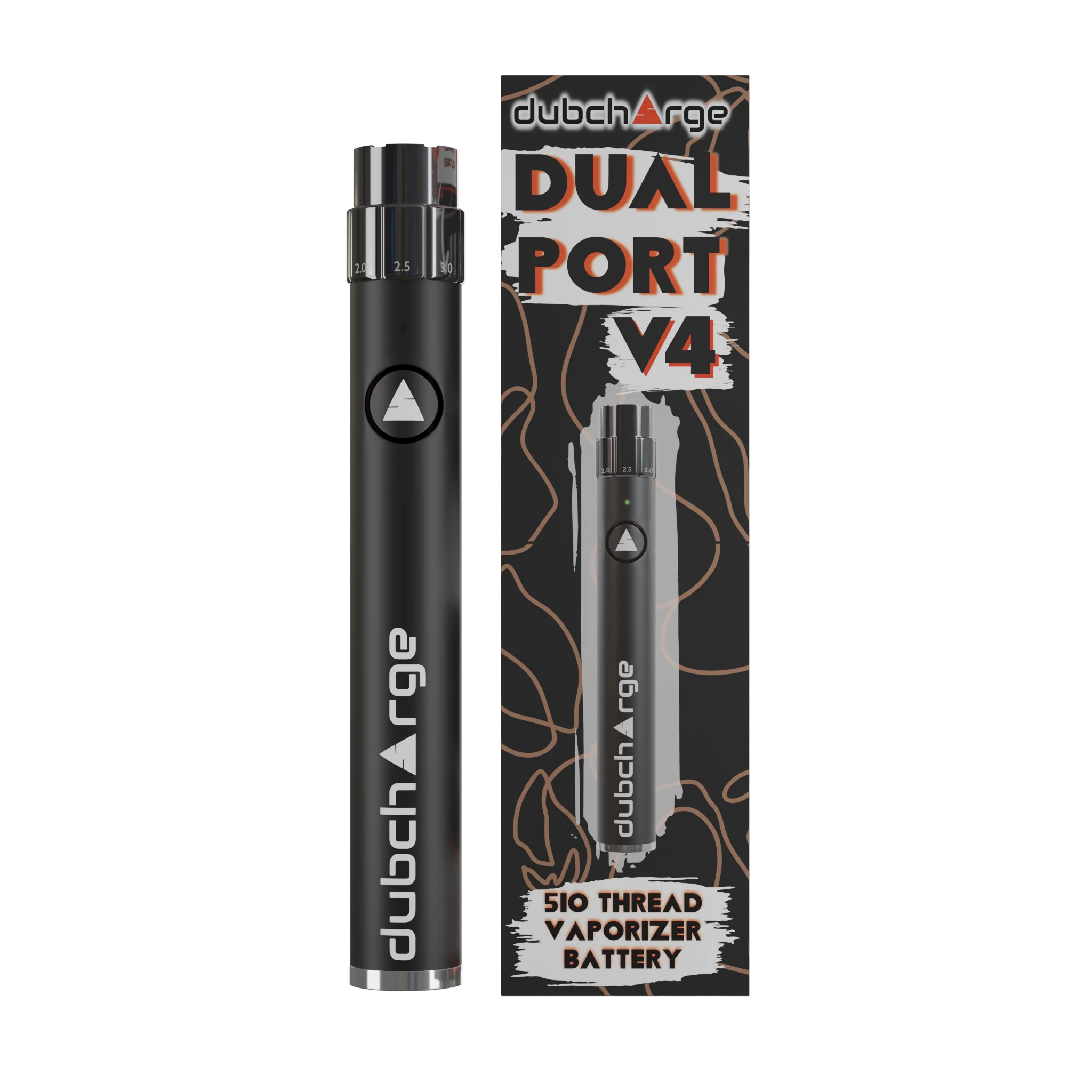
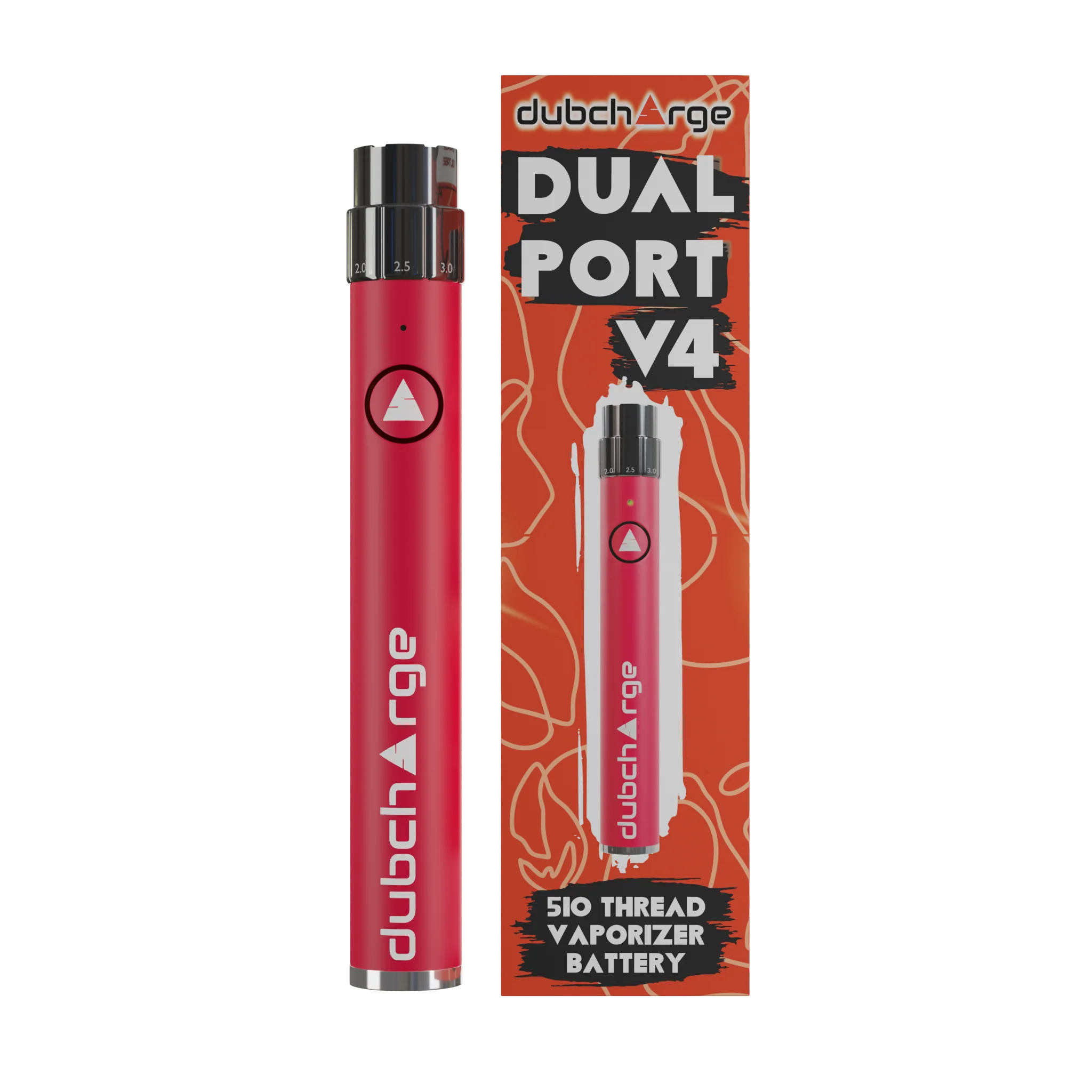
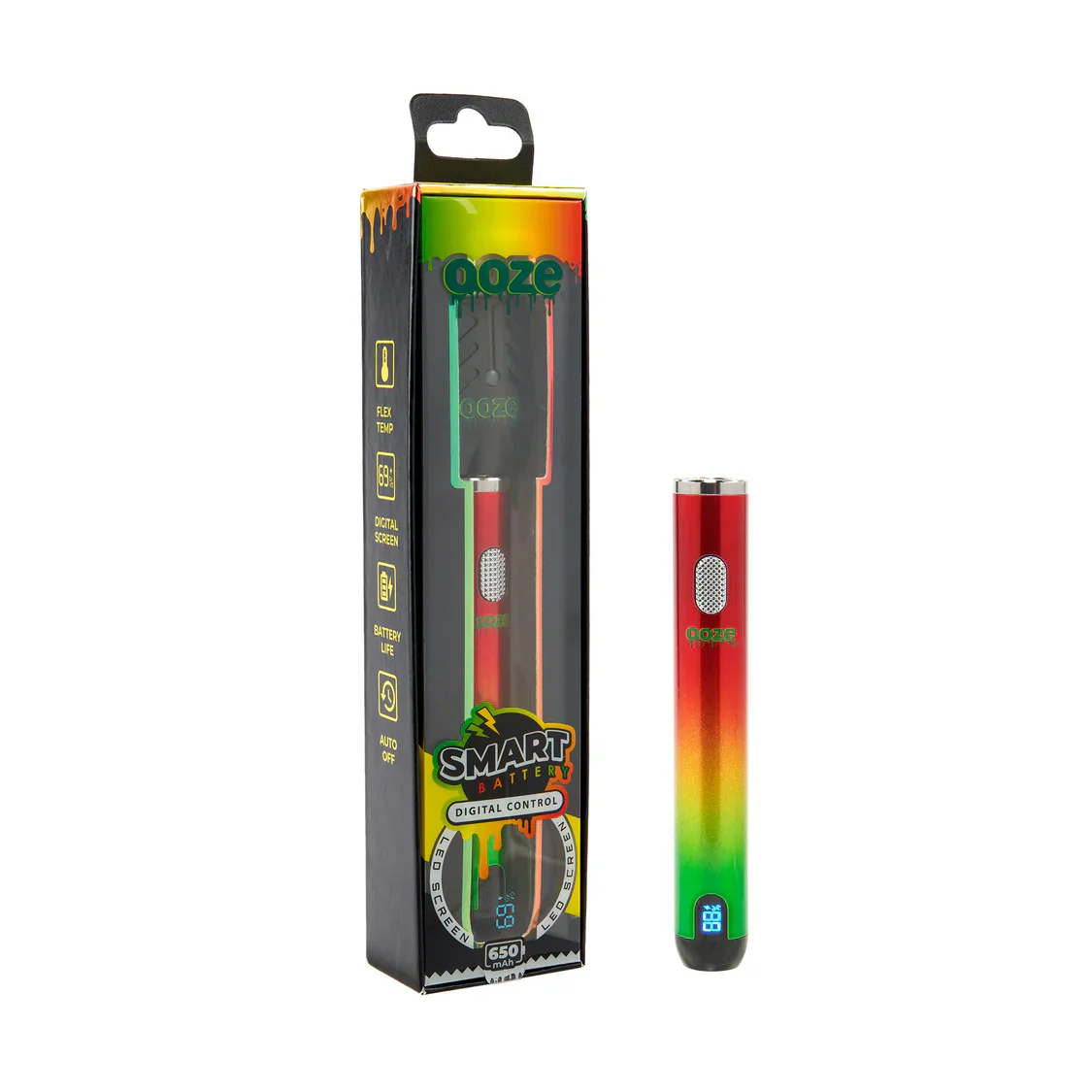
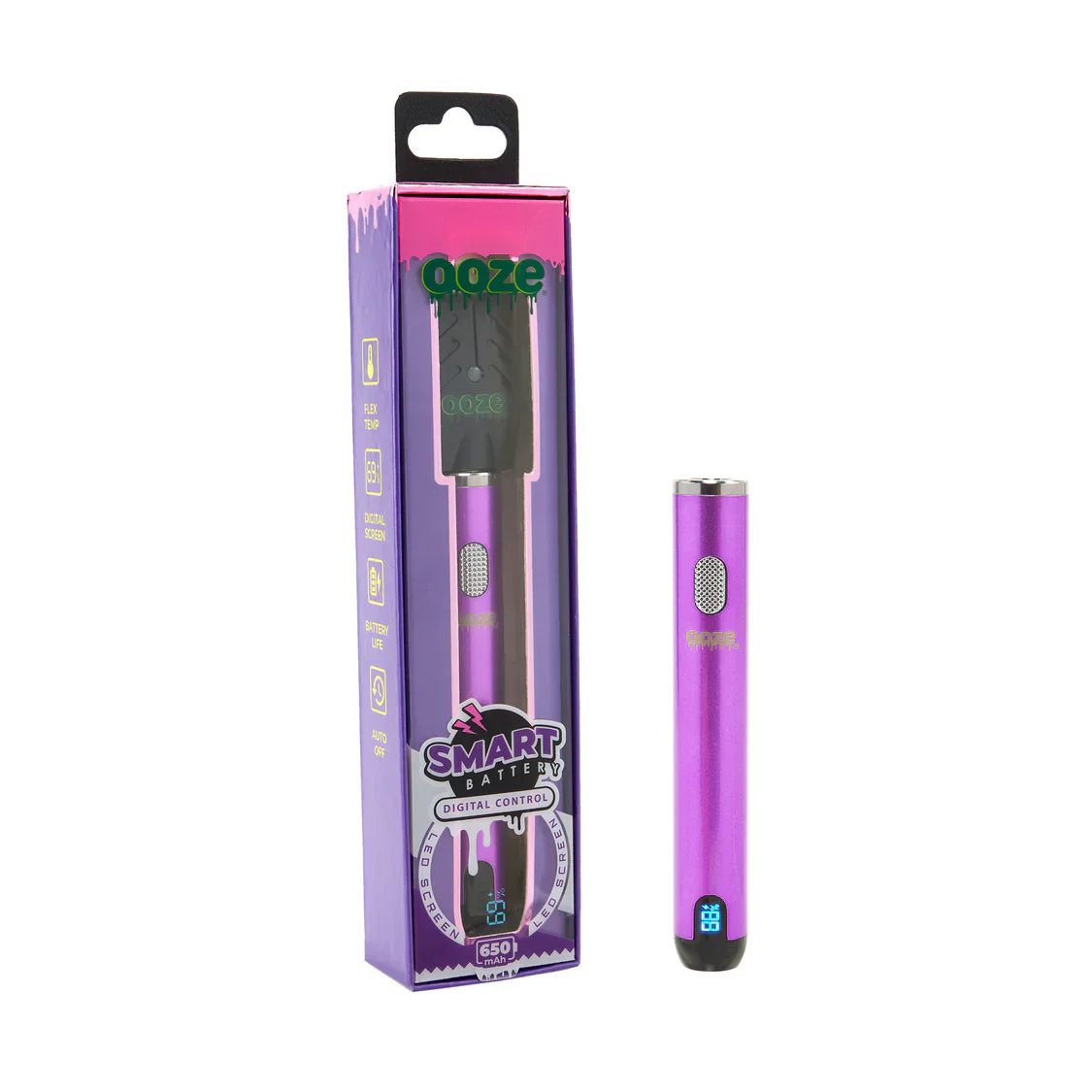
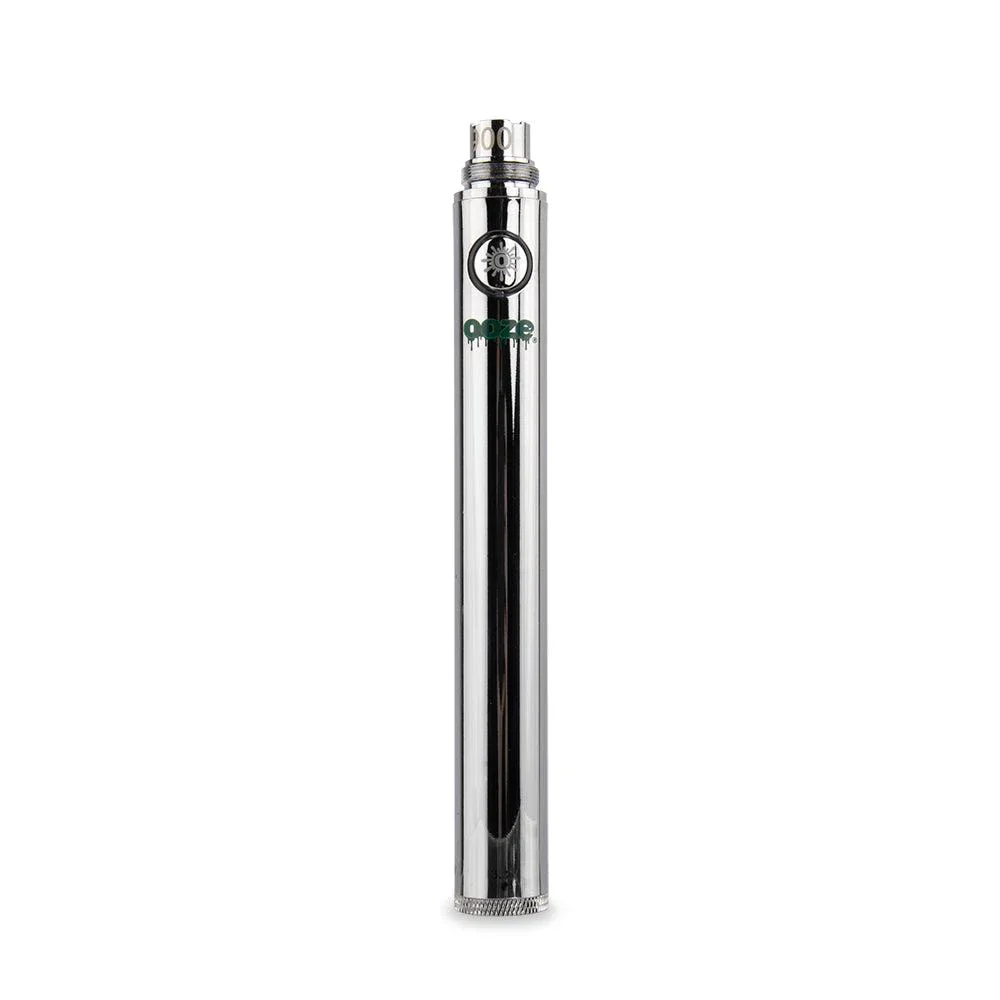
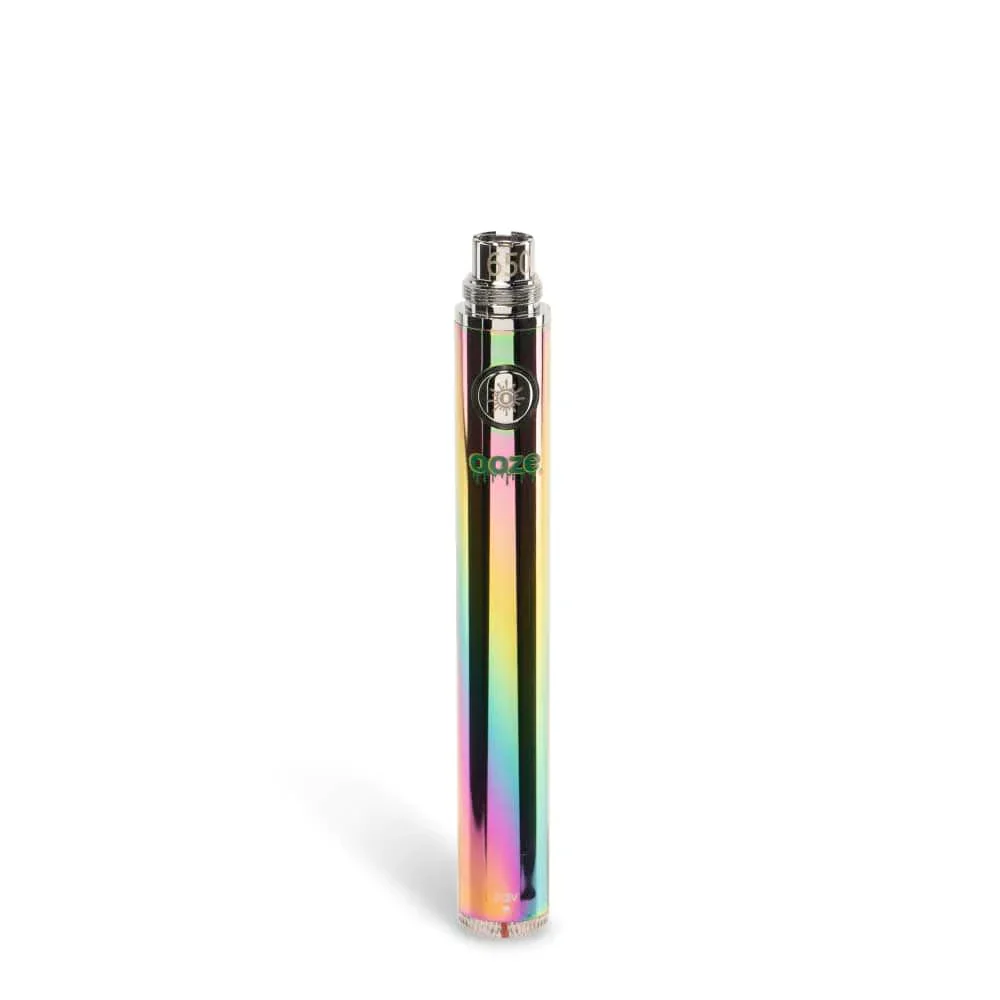
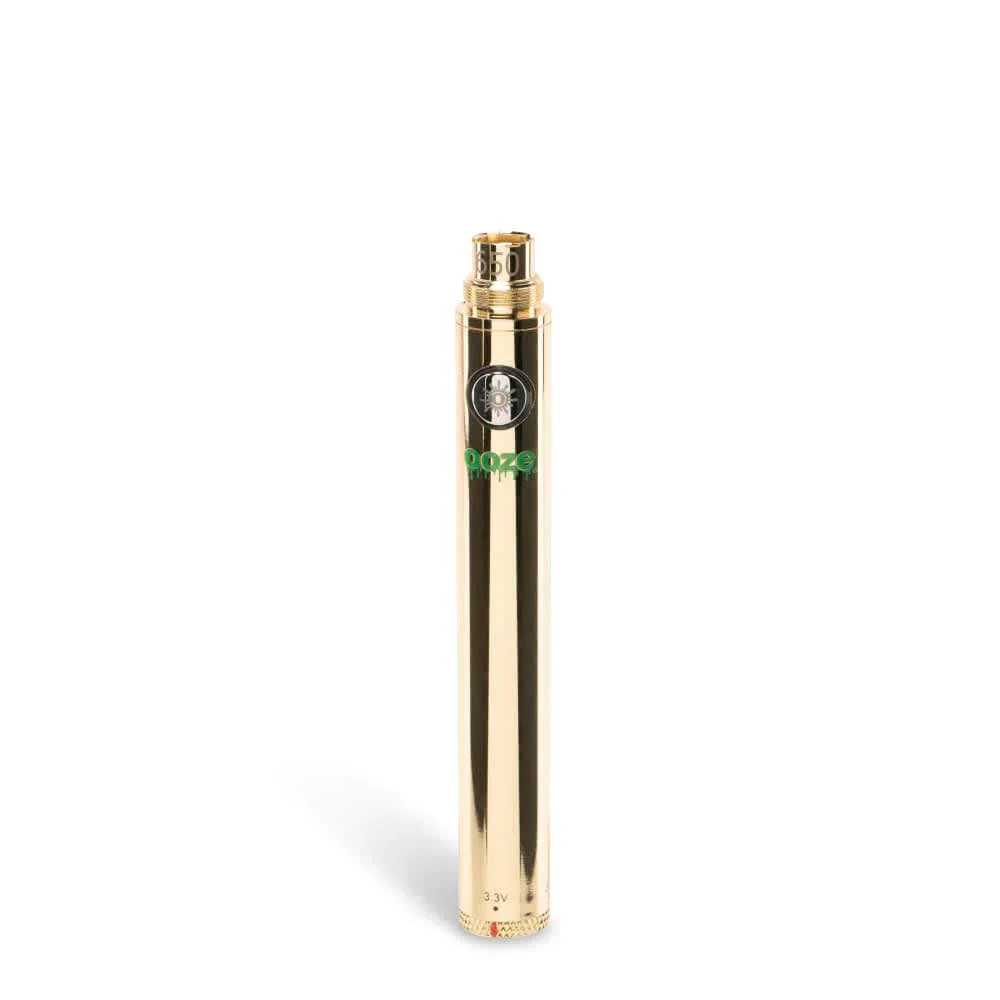
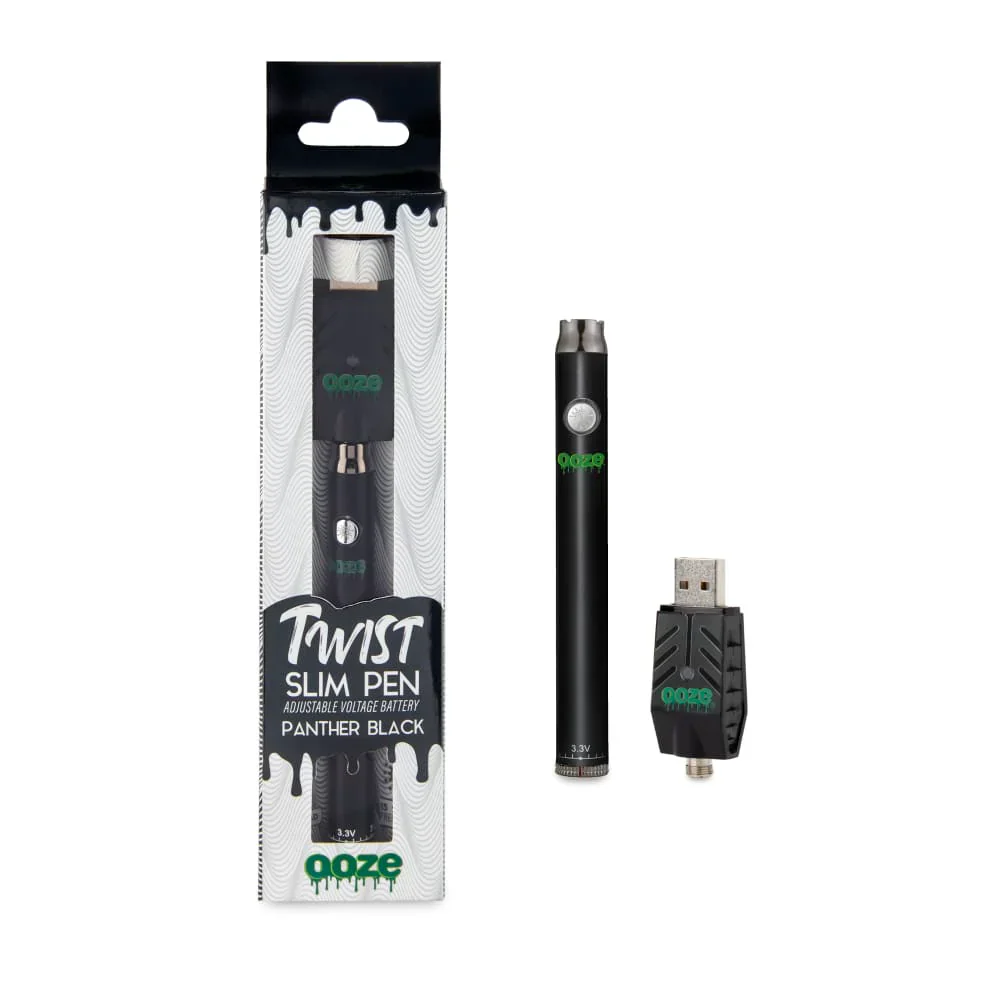
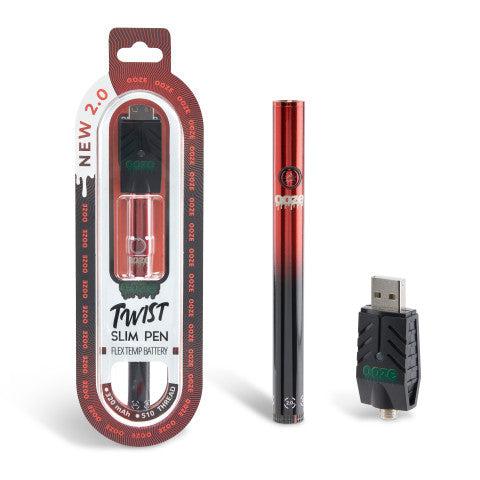
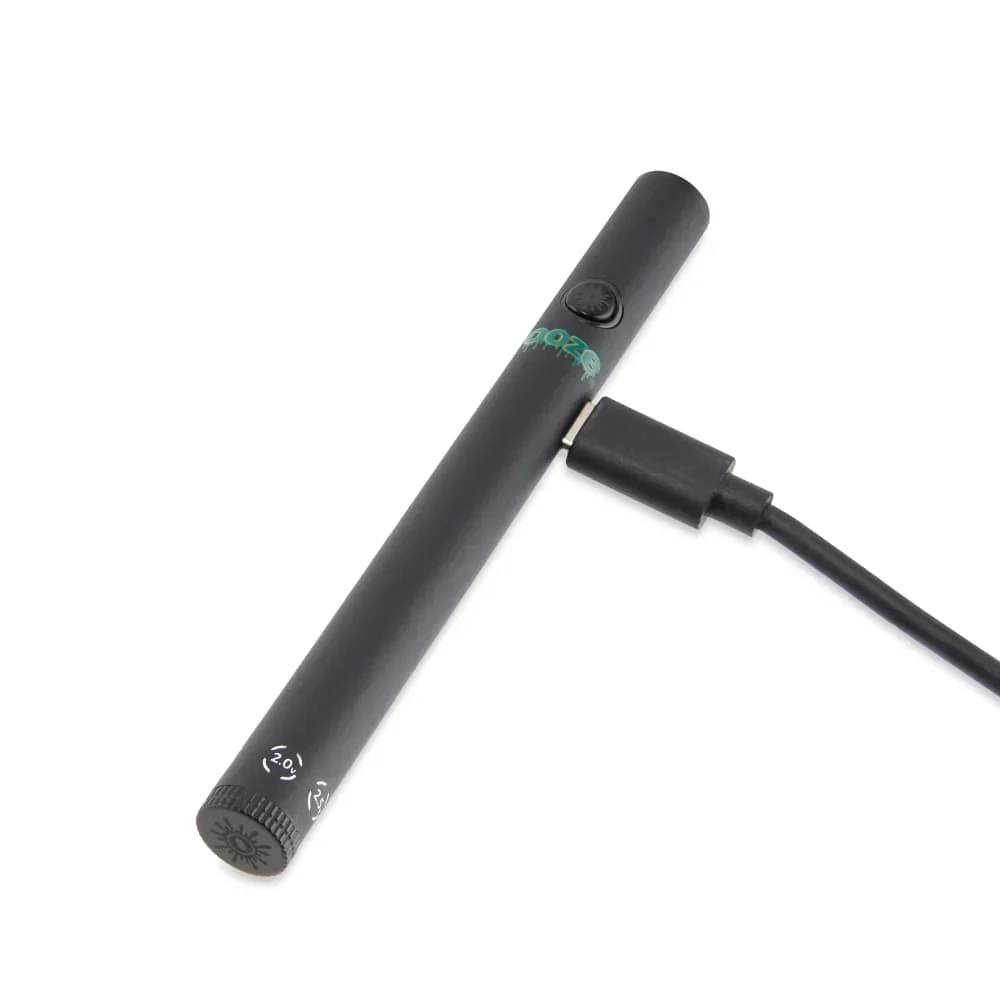
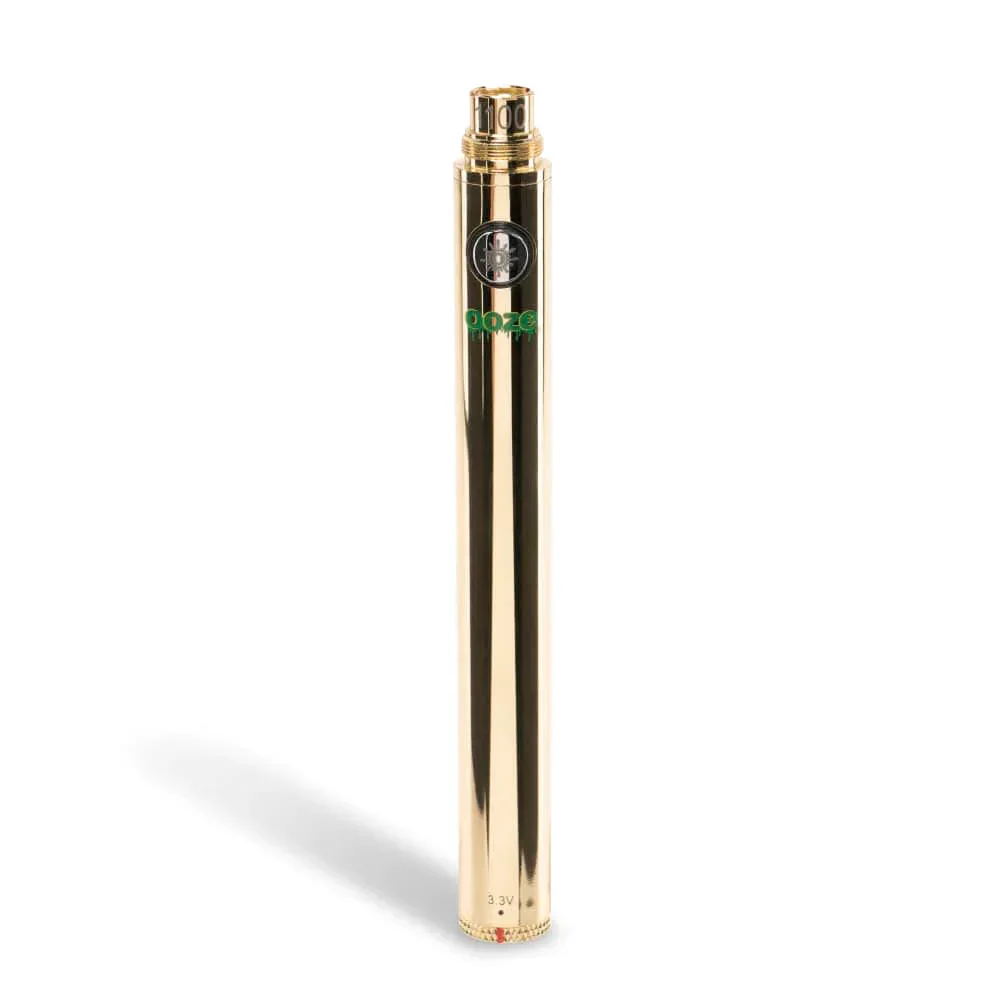
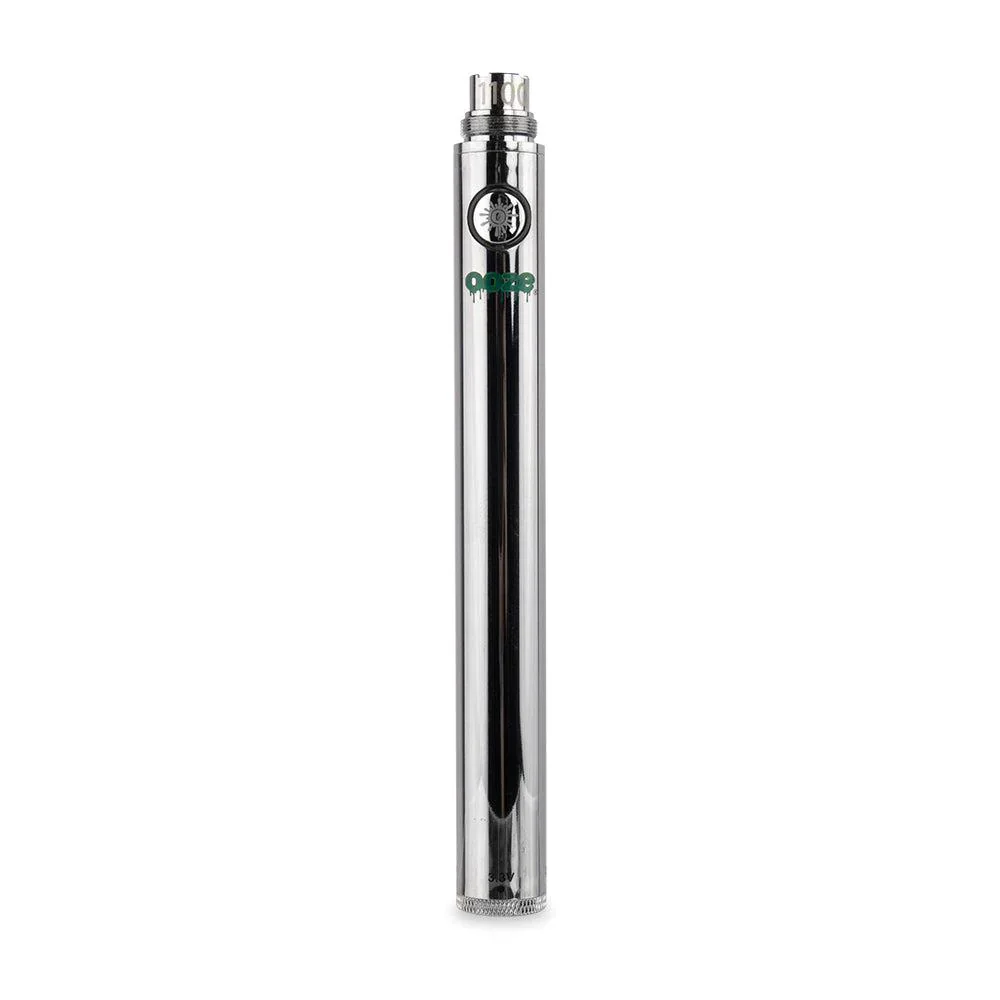
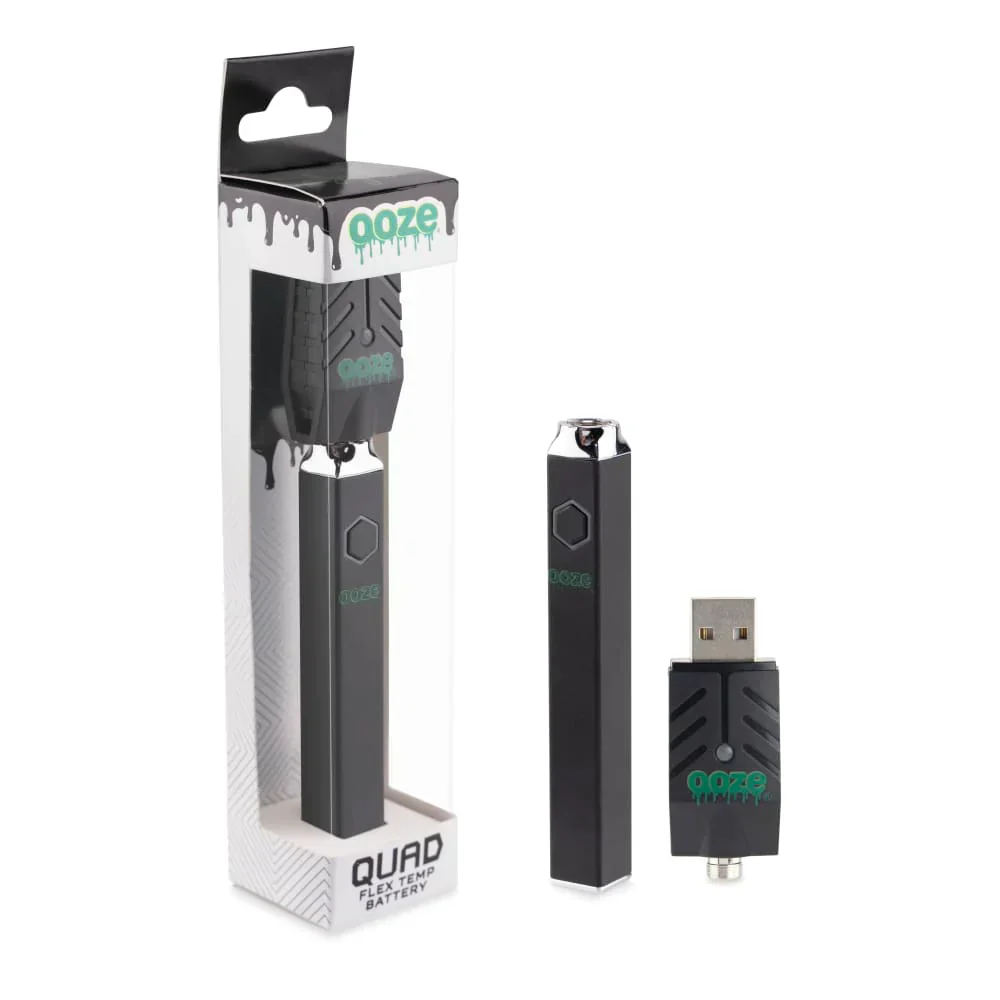
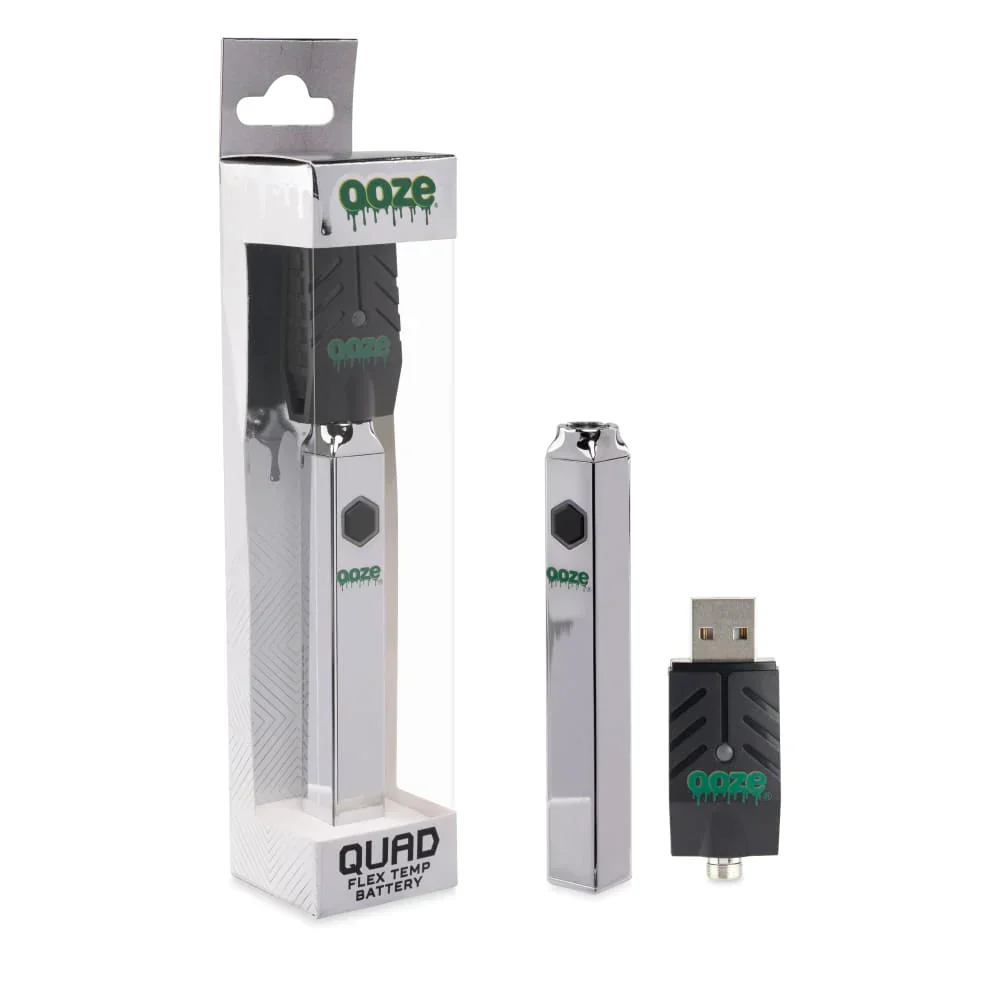
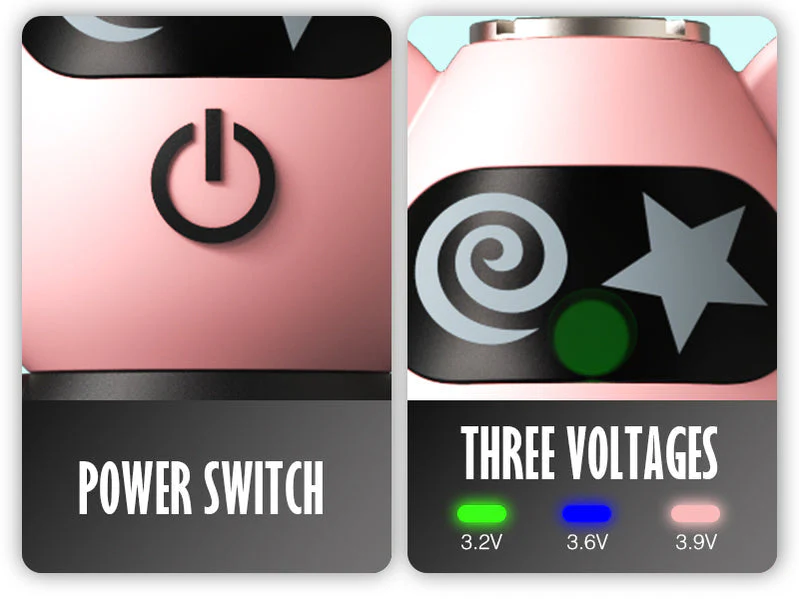
The Iconic Plumber Man Battery delivers convenience and efficiency in one sleek package. With a robust 480mAh capacity and versatile 510 threading, it’s compatible with numerous devices. Enjoy on-the-go customization with three adjustable voltage settings and a handy LED indicator. Available in multiple colors, this battery blends functionality with style, making it a perfect choice for enthusiasts seeking both power and style.
Instructions for Use
- Attach a compatible 510-threaded cartridge.
- Quickly press the power button 5 times within 2 seconds to turn the device on or off. The LED will flash 3 times, and the device will enter standby in the current voltage mode.
- To adjust voltage, press the power button 3 times within 2 seconds: Mode 1 (3.2V) Green, Mode 2 (3.7V) Blue, Mode 3 (4.1V) Pink.
- Press and hold the power button to activate the device (hold for up to 10 seconds). After 10 seconds, the device will stop heating, the LED will flash 3 times, and it will automatically enter standby mode.
- To turn off, press the power button 5 times within 2 seconds. The indicator light will flash once.
- The device will automatically turn off after 60 minutes of inactivity.
Alarm Indications
- Low Battery: Indicator flashes red 10 times. Please recharge the device.
- Open Circuit: Indicator flashes 5 times. Please check the cartridge.
- Short Circuit: Indicator flashes 5 times. Please check the cartridge.
Charging LED Indicators
- Charging: Indicator light is red.
- Fully Charged: Indicator light turns green while USB is connected.
The Iconic Plumber Man Battery delivers convenience and efficiency in one sleek package. With a robust 480mAh capacity and versatile 510 threading, it’s compatible with numerous devices. Enjoy on-the-go customization with three adjustable voltage settings and a handy LED indicator. Available in multiple colors, this battery blends functionality with style, making it a perfect choice for enthusiasts seeking both power and style.
Instructions for Use
- Attach a compatible 510-threaded cartridge.
- Quickly press the power button 5 times within 2 seconds to turn the device on or off. The LED will flash 3 times, and the device will enter standby in the current voltage mode.
- To adjust voltage, press the power button 3 times within 2 seconds: Mode 1 (3.2V) Green, Mode 2 (3.7V) Blue, Mode 3 (4.1V) Pink.
- Press and hold the power button to activate the device (hold for up to 10 seconds). After 10 seconds, the device will stop heating, the LED will flash 3 times, and it will automatically enter standby mode.
- To turn off, press the power button 5 times within 2 seconds. The indicator light will flash once.
- The device will automatically turn off after 60 minutes of inactivity.
Alarm Indications
- Low Battery: Indicator flashes red 10 times. Please recharge the device.
- Open Circuit: Indicator flashes 5 times. Please check the cartridge.
- Short Circuit: Indicator flashes 5 times. Please check the cartridge.
Charging LED Indicators
- Charging: Indicator light is red.
- Fully Charged: Indicator light turns green while USB is connected.
Description
The Iconic Plumber Man Battery delivers convenience and efficiency in one sleek package. With a robust 480mAh capacity and versatile 510 threading, it’s compatible with numerous devices. Enjoy on-the-go customization with three adjustable voltage settings and a handy LED indicator. Available in multiple colors, this battery blends functionality with style, making it a perfect choice for enthusiasts seeking both power and style.
Instructions for Use
- Attach a compatible 510-threaded cartridge.
- Quickly press the power button 5 times within 2 seconds to turn the device on or off. The LED will flash 3 times, and the device will enter standby in the current voltage mode.
- To adjust voltage, press the power button 3 times within 2 seconds: Mode 1 (3.2V) Green, Mode 2 (3.7V) Blue, Mode 3 (4.1V) Pink.
- Press and hold the power button to activate the device (hold for up to 10 seconds). After 10 seconds, the device will stop heating, the LED will flash 3 times, and it will automatically enter standby mode.
- To turn off, press the power button 5 times within 2 seconds. The indicator light will flash once.
- The device will automatically turn off after 60 minutes of inactivity.
Alarm Indications
- Low Battery: Indicator flashes red 10 times. Please recharge the device.
- Open Circuit: Indicator flashes 5 times. Please check the cartridge.
- Short Circuit: Indicator flashes 5 times. Please check the cartridge.
Charging LED Indicators
- Charging: Indicator light is red.
- Fully Charged: Indicator light turns green while USB is connected.